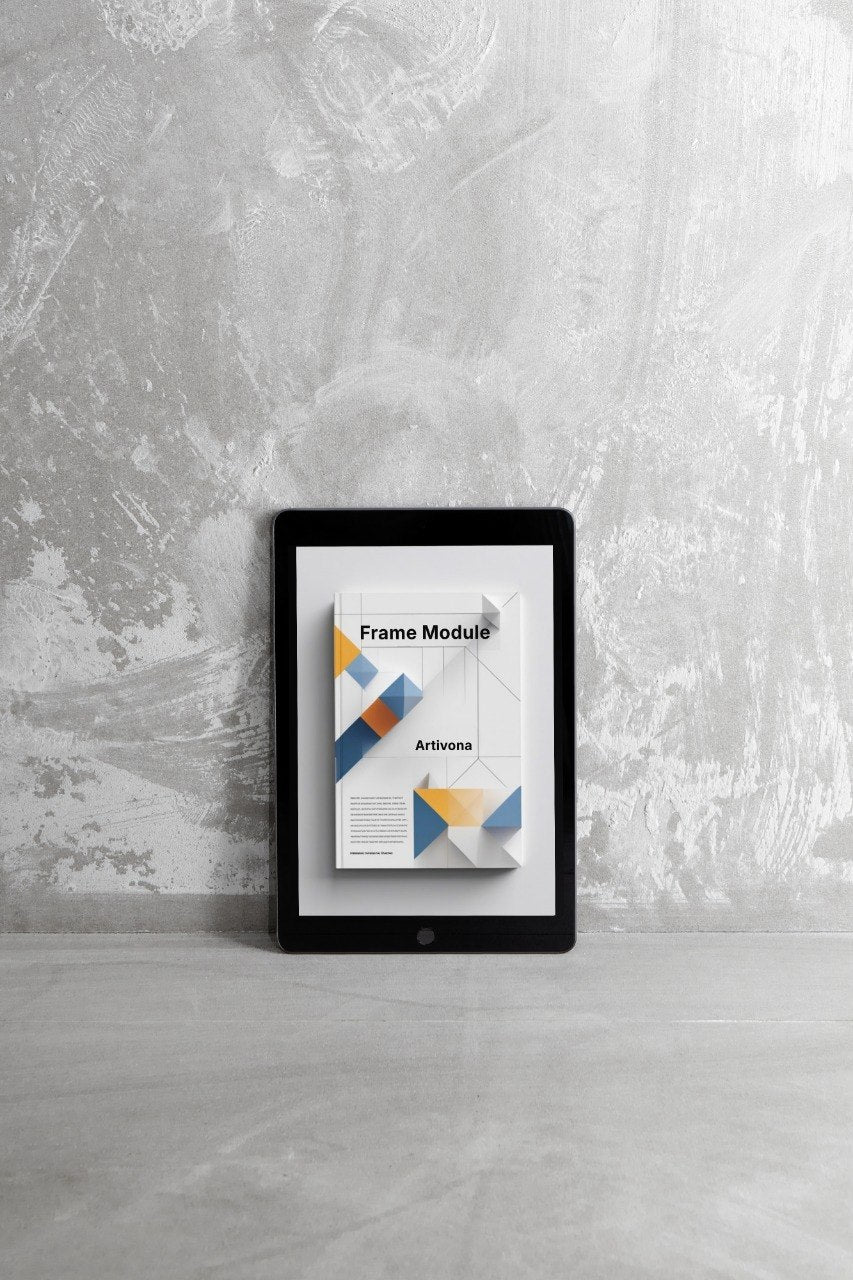
Artivona
Frame Module
Frame Module
Couldn't load pickup availability
Self-paced learning overview
- 📁 Digital file available after purchase
- 🗂️ Long-term availability
- 🔐 Secure checkout
- 📝 Content updated in 2026
1. Problem Statement
Struggling to make a portfolio work feel structured instead of looking like a set of random elements? This often happens when you already have a theme, sketches, colors, and several interesting fragments, but the overall presentation still feels scattered. It can be difficult to understand where the main focus should be, how much text to add, and how to avoid overloading the page. Sometimes a work has a strong idea, but weak presentation keeps the viewer from seeing its logic. Frame Module is created to help build a case as a cohesive visual story with a thoughtful structure.
2. Solution
This module will teach you how to create a frame for a design case: from the opening block to the final presentation. You will explore how page structure works, how to combine visual materials with short descriptions, and how to show process without chaos. The plan focuses on building a case, not only on creating one attractive image. Each module helps you make a specific decision: what to show first, how to place details, where to add explanation, and how to close the work. As a result, you can better understand how to arrange a portfolio page with attention to rhythm, meaning, and readability.
3. What’s Inside
Module 1: The Logic of a Frame
The first module explains what a case frame means in a portfolio. This is not only about decorative layout, but about a presentation system: opening, context, main visual, details, process, and closing block. You will see why the same work may be perceived differently depending on how it is shown. The module helps you understand which case parts are needed for your theme and which parts may be unnecessary. The practical task invites you to create a future page scheme where each block has a clear role.
Module 2: Case Opening
In this module, you work with the first block of a portfolio case. It sets the tone and helps the viewer understand what they are looking at: a learning work, a series, a poster, identity for an imagined initiative, or another design fragment. You will learn how to write a short opening without dramatic claims or excessive wording. The materials offer a structure with several parts: work title, short context, visual task, and general mood. In practice, you will create several opening text options and choose the one that feels the most natural.
Module 3: Main Visual Block
The third module is dedicated to the main image or key case fragment. You will explore how to choose the first visual that presents the work most clearly. The module explains why the most decorative part is not always the right opening choice: sometimes it is better to show the fragment that immediately communicates the theme and composition logic. You will also examine scale, spacing, the relationship between background and work, and the role of a short caption. The task is to arrange the main block so it does not get lost and does not overpower the rest of the case.
Module 4: Process Without Chaos
The fourth module helps you show the creation process. Many beginners either do not include process at all or include too many drafts without explanation. In this block, you will learn how to choose only the materials that explain the development of the idea: an early sketch, composition options, palette, type tests, and decision comparisons. The materials show how to caption process materials briefly and meaningfully. The goal is not to prove that a lot of work was done, but to show the logic of choice.
Module 5: Details That Support the Idea
The fifth module is dedicated to details. You will explore which fragments are worth showing closer: texture, type choice, color contrast, grid, repeated element, or composition rhythm. The course explains that details should not act as random decoration, but as arguments supporting the visual idea. You will create several detail blocks and write short explanations for them. This helps make the case richer without making it overloaded.
Module 6: Text Hierarchy
In this module, you work with text on the case page. The focus is on titles, subtitles, short descriptions, captions, and small notes. You will see how text can help guide the viewer through the work when it has the right rhythm and does not occupy too much space. The materials explain how to separate main information from supporting details. In the practical part, you will create a text structure for your case so the page reads calmly and consistently.
Module 7: Closing the Case
The final module helps arrange the closing block. The ending does not need to be loud or overly promotional; it can briefly summarize which decisions were used and why the work looks the way it does. You will learn how to write a closing note without claims or exaggeration. The module also invites you to review the whole case as one page: whether there is an opening, whether the theme is clear, whether details support the main idea, and whether the text is easy to follow. By the end, you will have an arranged case with a clear presentation frame.
4. Who is this for?
✅ Good fit if you:
- already have one or more works you want to arrange as cases;
- want to learn how to build a portfolio page from logical blocks;
- do not know how to show the creation process;
- want to work better with captions, openings, and short descriptions;
- feel your works need a more organized presentation;
- want to learn how to select details that support the idea;
- value calm structure and thoughtful arrangement.
❌ Not for you if you:
- expect claims about work, clients, or financial results;
- want a complete large portfolio without your own practice;
- are looking for training tied to named software;
- do not plan to work with the written part of a case;
- only want decorative techniques without structure review;
- expect individual editing of every work within this plan.
5. What You’ll Learn
- How to build a frame for a portfolio case.
- How to create an opening block without excessive claims.
- How to choose the main visual for first viewing.
- How to arrange the creation process without chaos.
- How to select details that support the main idea.
- How to work with text hierarchy on a page.
- How to combine images, captions, and short explanations.
- How to review a case for clarity, rhythm, and visual order.
- How to close a portfolio page with a calm summary.
- How to prepare one work for a more cohesive collection.
6. Refund Terms
For Frame Module, a 30-day refund request period may apply according to the Artivona store policy. Before placing an order, the buyer should review the refund policy, material description, and course usage terms. The plan does not include claims about employment, clients, financial figures, or defined external outcomes. The materials are intended for study, practice, and careful portfolio arrangement. If the course format does not match expectations, requests are reviewed according to the rules published in the store.
How do refund terms work?
How do refund terms work?
Paid plans may include a 30-day refund request period according to the store policy. For the no-cost plan, a refund does not apply because no payment is made.
Do I need named software or platforms?
Do I need named software or platforms?
No. Artivona materials are not tied to named third-party services, programs, or operating systems. The focus stays on graphic design principles, work structure, idea presentation, and visual thinking.
Does Artivona claim specific career or financial results?
Does Artivona claim specific career or financial results?
No. Artivona courses do not include claims about jobs, clients, financial figures, or instant changes. The materials are intended for study, practice, and shaping a collection of design works.
Share